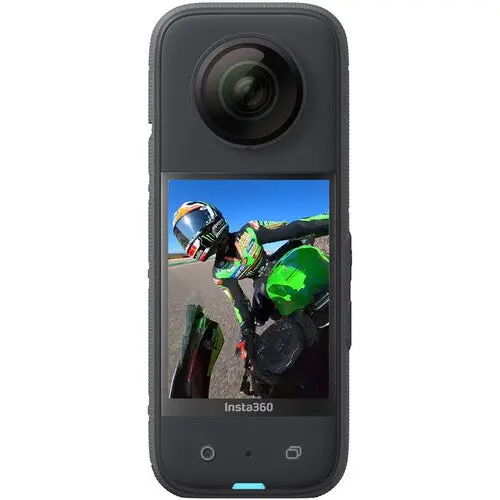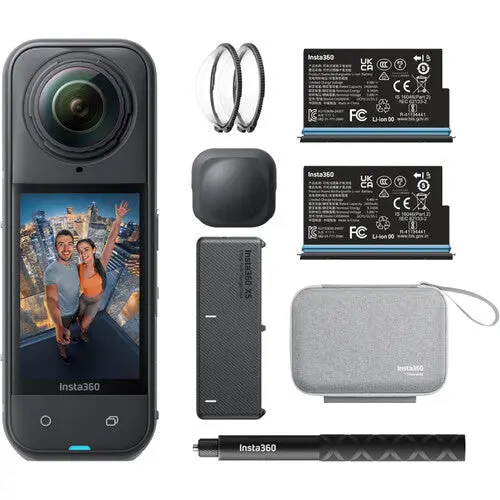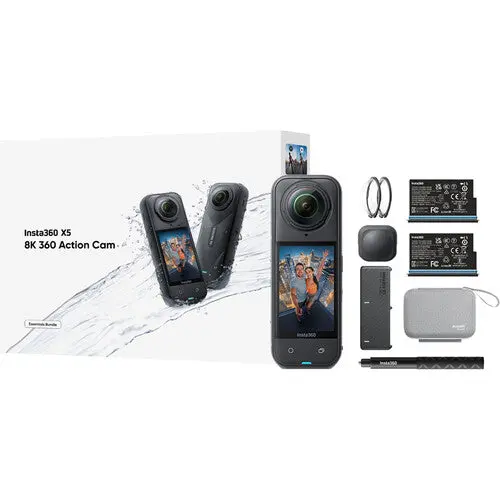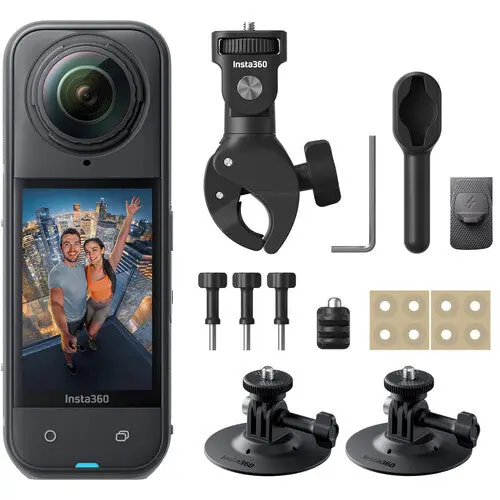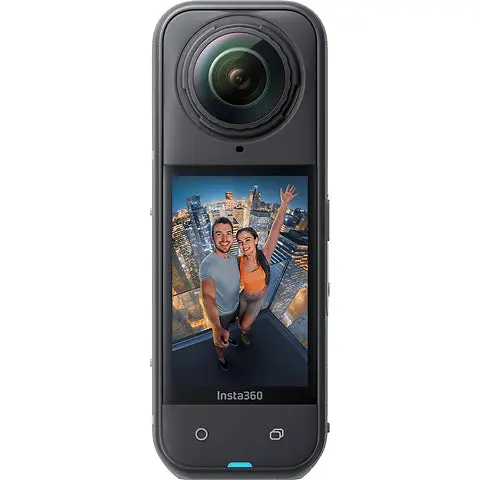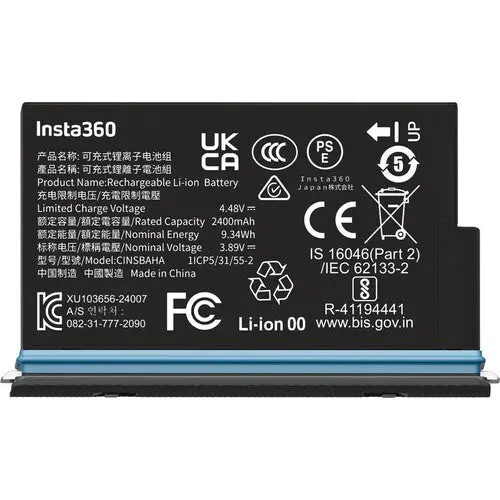
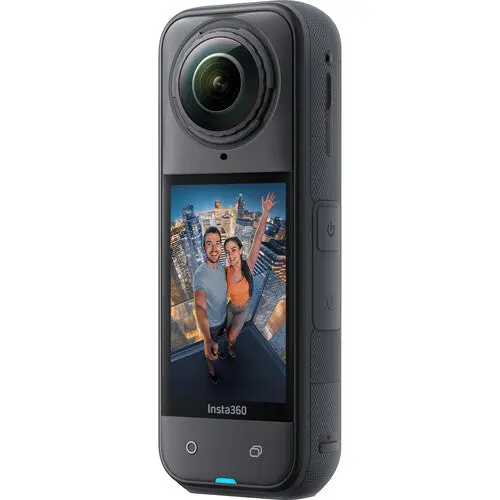
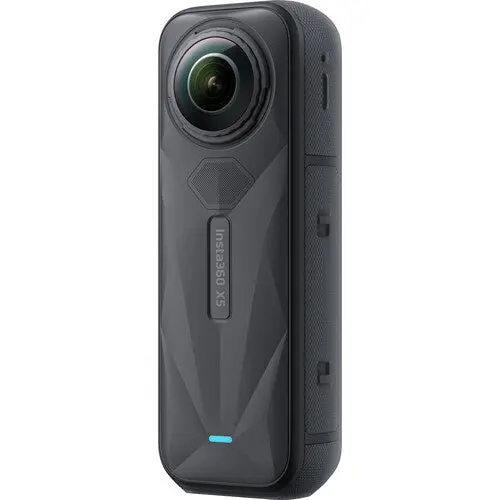
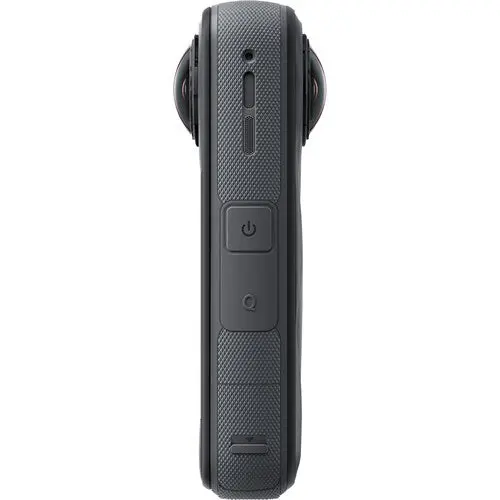
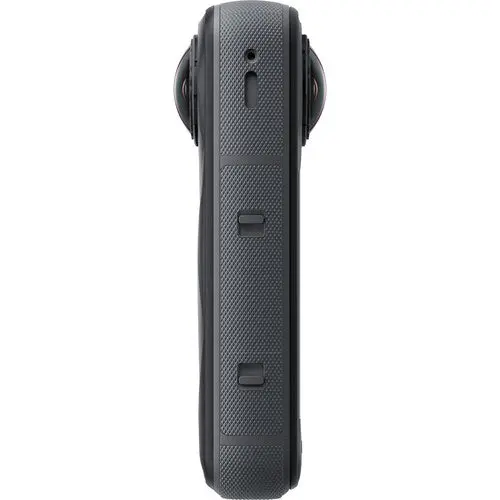
Insta360 X5 360° 8K Camera
Since the footage is captured with high-quality H.265/H.264 compression, the 8K files are small enough to edit using the Insta360 app or Insta360 Studio.
NOTE: Shooting in 8K consumes more power than lower resolutions. Shoot 8K only in bright daylight conditions; it is recommended to lower the capture resolution when shooting in low light.
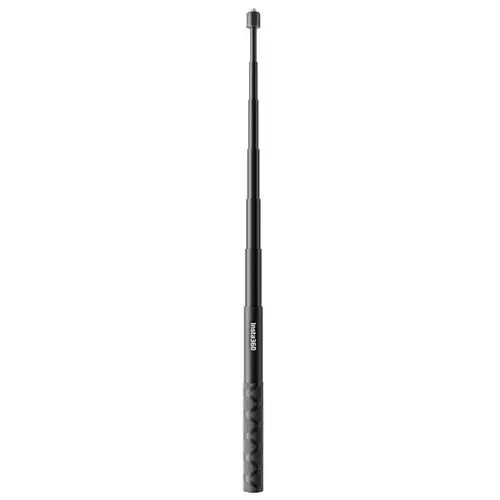
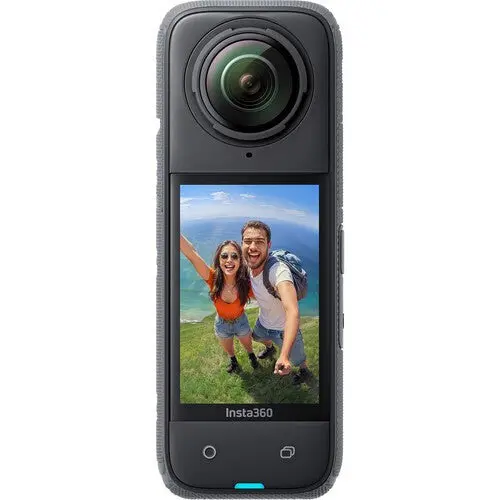
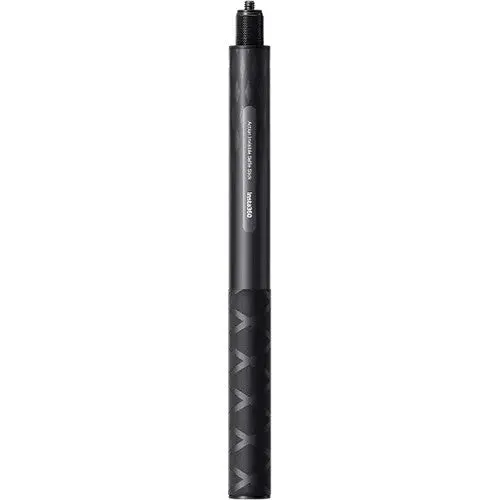
The X5 supports up to 8K30 and 5.7K60 360° video for smooth shots in low light at ultrahigh resolution in PureVideo mode. The camera also supports up to 4K120 capture for super slow-motion 360° footage. It also features Me mode, which records 170° field-of-view flat video, perfect for POV video with an invisible selfie stick. Me mode supports up to 4K30 and 2.7K120 slow-motion modes with external stitching. When in 2.7K30 mode, the X5 supports in-camera stitching with ready-to-share MP4 files.
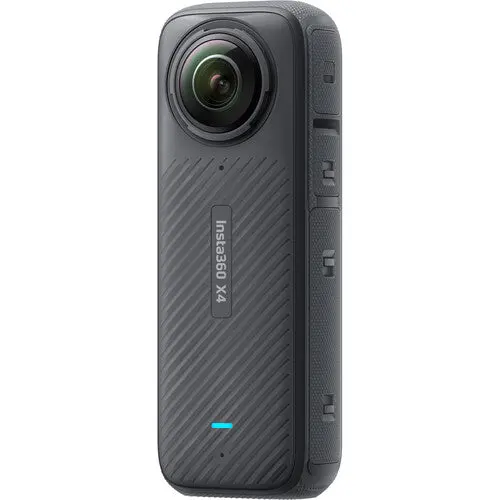
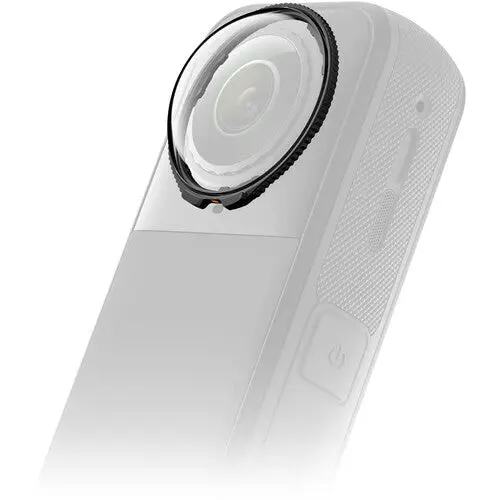
You can also say goodbye to scratches, cracks, and heartache thanks to the X5's ultra-hard optical film, boasting a 100% improvement in drop resistance compared to X4, effectively resisting scratches from keys, coins, and other metals.
NOTE: 4K60 is not suitable for low-light conditions.
- Quick Edit: Choose from several reframing methods, such as physically moving your phone, swiping the screen, using the new virtual joystick, or long-pressing to activate the upgraded Deep Track 3.0 for even smoother footage.
- AI Edit: Simple editing for beginning users makes framing and editing easy.
- Pro Mode: For a hands-on approach, you can manually add keyframes and perform advanced edits using the Pro tab.
- Shot Lab: A collection of stock effects that makes editing easy.
- Motion ND: Apply cinema ND filters without the need for actual filters to achieve the Motion ND effect.
- App Background Downloading: Download footage from the camera while the Insta360 app runs quietly in the background, leaving your phone free for other tasks.
- 11K Time-Lapse: 360° time-lapse video is now available on the X5 in 11K, capturing a sweeping view over time from a stationary position.
- 8K TimeShift: Users can shoot a creative video in an easy-to-use mode with a selfie stick while walking around.
- Get "Bullet Time" (reference from The Matrix) slow-motion video using the 5.7K120 Bullet Time mode on the X5, which allows you to achieve cinematic slow-motion looks using higher frame rates and resolutions.
A new Insta360 Reframe plugin for Adobe Premiere is also available, which saves you time during your editing workflow. It directly imports .insv files to Premiere without stitching, improves image quality, and simplifies the process by not requiring you to leave the Premiere app to process your footage.
- A USB-C 3.0 port connects your X5 camera to a computer to charge or offload footage.
- A microSD card can be utilized to record on the camera, and it can use a card with UHS-I V30 minimum class up to 1TB in storage size.
Product Information
Product Information
Shipping & Returns
Shipping & Returns
Description
Since the footage is captured with high-quality H.265/H.264 compression, the 8K files are small enough to edit using the Insta360 app or Insta360 Studio.
NOTE: Shooting in 8K consumes more power than lower resolutions. Shoot 8K only in bright daylight conditions; it is recommended to lower the capture resolution when shooting in low light.
The X5 supports up to 8K30 and 5.7K60 360° video for smooth shots in low light at ultrahigh resolution in PureVideo mode. The camera also supports up to 4K120 capture for super slow-motion 360° footage. It also features Me mode, which records 170° field-of-view flat video, perfect for POV video with an invisible selfie stick. Me mode supports up to 4K30 and 2.7K120 slow-motion modes with external stitching. When in 2.7K30 mode, the X5 supports in-camera stitching with ready-to-share MP4 files.
You can also say goodbye to scratches, cracks, and heartache thanks to the X5's ultra-hard optical film, boasting a 100% improvement in drop resistance compared to X4, effectively resisting scratches from keys, coins, and other metals.
NOTE: 4K60 is not suitable for low-light conditions.
- Quick Edit: Choose from several reframing methods, such as physically moving your phone, swiping the screen, using the new virtual joystick, or long-pressing to activate the upgraded Deep Track 3.0 for even smoother footage.
- AI Edit: Simple editing for beginning users makes framing and editing easy.
- Pro Mode: For a hands-on approach, you can manually add keyframes and perform advanced edits using the Pro tab.
- Shot Lab: A collection of stock effects that makes editing easy.
- Motion ND: Apply cinema ND filters without the need for actual filters to achieve the Motion ND effect.
- App Background Downloading: Download footage from the camera while the Insta360 app runs quietly in the background, leaving your phone free for other tasks.
- 11K Time-Lapse: 360° time-lapse video is now available on the X5 in 11K, capturing a sweeping view over time from a stationary position.
- 8K TimeShift: Users can shoot a creative video in an easy-to-use mode with a selfie stick while walking around.
- Get "Bullet Time" (reference from The Matrix) slow-motion video using the 5.7K120 Bullet Time mode on the X5, which allows you to achieve cinematic slow-motion looks using higher frame rates and resolutions.
A new Insta360 Reframe plugin for Adobe Premiere is also available, which saves you time during your editing workflow. It directly imports .insv files to Premiere without stitching, improves image quality, and simplifies the process by not requiring you to leave the Premiere app to process your footage.
- A USB-C 3.0 port connects your X5 camera to a computer to charge or offload footage.
- A microSD card can be utilized to record on the camera, and it can use a card with UHS-I V30 minimum class up to 1TB in storage size.